Dashboard - Tracks user queries and visitor.
Dashboard is a centralized platform designed to monitor user interactions and questions asked across multiple RatanGPT-powered applications.
It provides a unified view to track and analyze LLM responses, helping me to understand usage patterns, user behavior, and the effectiveness of AI-driven conversations.
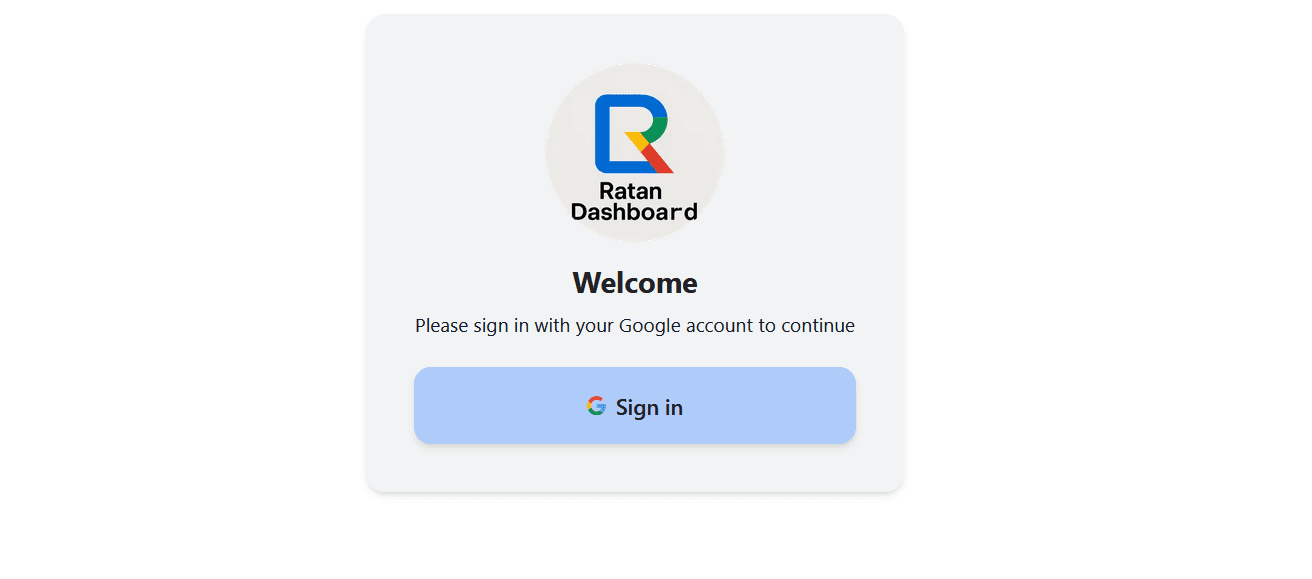
To view conversation history, you must first log in with your Google account. Once logged in, you'll see all the projects created using RatanGPT.
Select a project and click the 'View' button to access its details.
You can then view the conversation history for the selected project by searching a specific date or choosing a date range to review interactions between RatanGPT and users.
Tech Stack Used
Next.jsReact.jsTailwind CSSShadcn/uiNode.jsGoogle-LoginLangChain.jsMistral AIEmbeddingsVector SearchMongoDB